
The Power of Yoast WordPress Plugin: Enhancing Your Website’s SEO
When it comes to optimizing your website for search engines, one tool that stands out among the rest is the Yoast WordPress plugin. With over 5 million active installations, Yoast has become a go-to solution for website owners looking to improve their SEO performance.
So, what makes Yoast so special? Let’s delve into some key features that make this plugin a must-have for any WordPress site:
On-Page SEO Optimization
Yoast helps you optimize every aspect of your content for search engines. From meta titles and descriptions to keyword density and internal linking suggestions, Yoast provides real-time feedback on how well your content is optimized for SEO.
Readability Analysis
In addition to SEO, Yoast also focuses on improving the readability of your content. It provides valuable insights into sentence structure, paragraph length, and use of transition words to ensure that your content is easy to read and understand.
XML Sitemap Generation
Yoast automatically generates XML sitemaps for your website, making it easier for search engines like Google to crawl and index your pages. This helps improve your site’s visibility in search engine results pages (SERPs).
Social Media Integration
With Yoast, you can optimize how your content appears on social media platforms like Facebook and Twitter. You can set custom titles, descriptions, and images specifically for social sharing, maximizing engagement and click-through rates.
Redirect Manager
If you ever need to redirect a URL on your site, Yoast’s redirect manager makes it easy to set up 301 redirects without having to delve into complex server configurations. This helps maintain good user experience and preserve SEO value when restructuring your site.
In conclusion, the Yoast WordPress plugin offers a comprehensive set of tools to help you enhance your website’s SEO performance. Whether you’re a beginner or an experienced webmaster, Yoast provides valuable insights and recommendations to improve your site’s visibility in search engine results.
If you haven’t already installed Yoast on your WordPress site, now is the time to take advantage of its powerful features and elevate your SEO game!
Top 8 Frequently Asked Questions About Using the Yoast SEO Plugin on WordPress
- 1. What is Yoast WordPress plugin?
- 2. How do I install Yoast on my WordPress site?
- 3. What are the key features of Yoast SEO plugin?
- 4. How does Yoast help improve SEO for my website?
- 5. Can Yoast analyze the readability of my content?
- 6. Does Yoast generate XML sitemaps for my site automatically?
- 7. How can I optimize social media sharing with Yoast plugin?
- 8. Does Yoast offer support for setting up 301 redirects?
1. What is Yoast WordPress plugin?
The Yoast WordPress plugin is a powerful tool designed to optimize websites for search engines and improve their overall SEO performance. With over 5 million active installations, Yoast has become a popular choice among website owners seeking to enhance their online visibility. This plugin offers a range of features, including on-page SEO optimization, readability analysis, XML sitemap generation, social media integration, and a redirect manager. By providing real-time feedback and valuable insights, Yoast helps users create content that is not only search engine-friendly but also user-friendly. Overall, Yoast WordPress plugin is an essential tool for anyone looking to boost their website’s ranking and attract more organic traffic.
2. How do I install Yoast on my WordPress site?
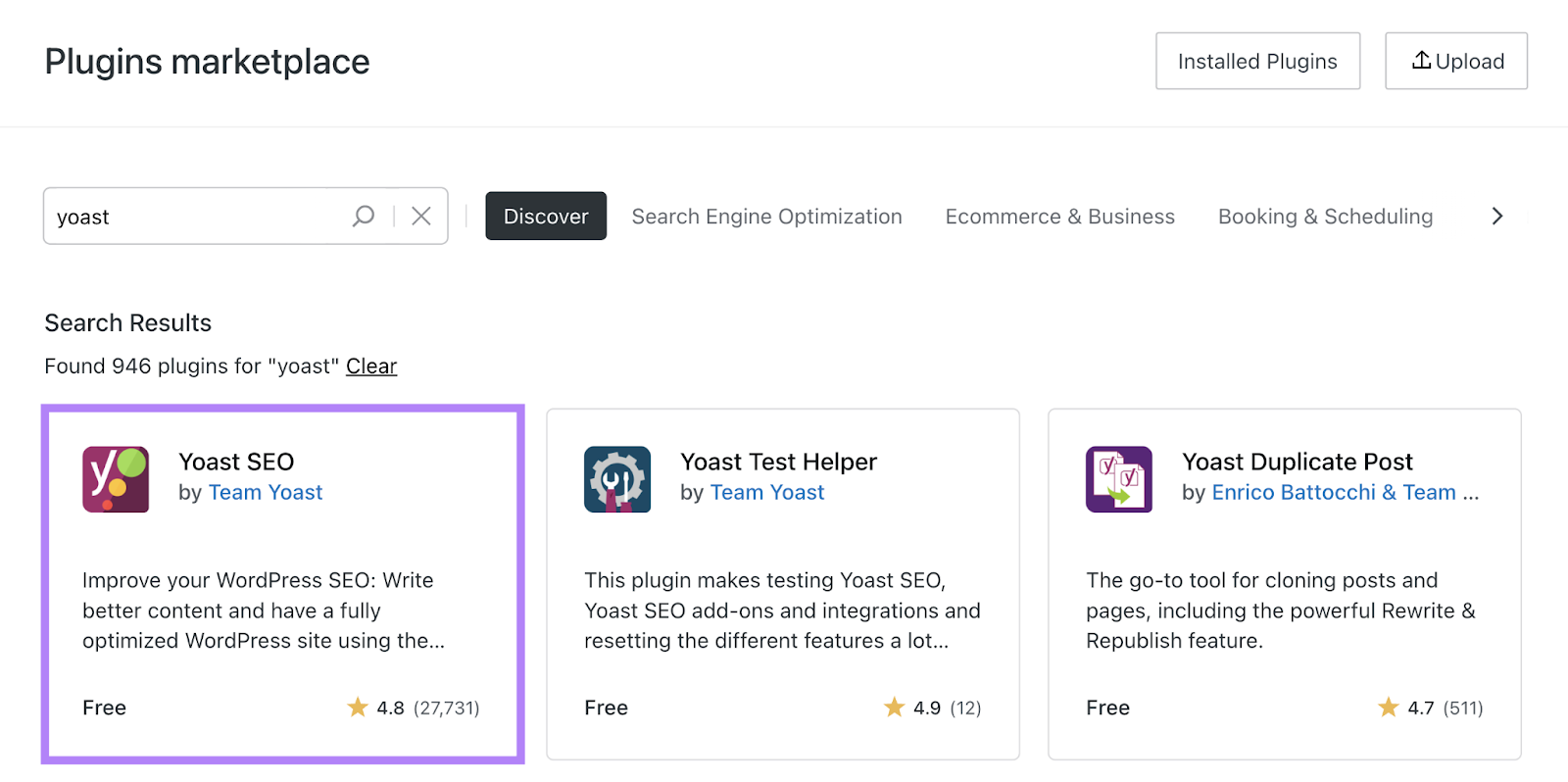
To install Yoast on your WordPress site, follow these simple steps. First, log in to your WordPress dashboard. Then, navigate to the “Plugins” section and click on “Add New.” In the search bar, type “Yoast SEO” and hit enter. Locate the Yoast SEO plugin in the search results and click on the “Install Now” button. Once the installation is complete, activate the plugin. You will then see a new “SEO” menu option in your dashboard sidebar, where you can access and configure Yoast’s settings to optimize your site for search engines.
3. What are the key features of Yoast SEO plugin?
The key features of the Yoast SEO plugin encompass a wide range of tools designed to enhance your website’s search engine optimization. From on-page SEO optimization, readability analysis, and XML sitemap generation to social media integration and a redirect manager, Yoast provides a comprehensive set of functionalities to help you improve your site’s visibility and performance in search engine results. These features work together seamlessly to guide you in optimizing your content, enhancing user experience, and ultimately boosting your site’s ranking potential.
4. How does Yoast help improve SEO for my website?
Yoast plays a crucial role in enhancing SEO for your website by offering a range of powerful tools and features. It provides real-time optimization suggestions for your content, including meta titles, descriptions, and keyword usage, helping you create search engine-friendly pages. Additionally, Yoast’s readability analysis ensures that your content is not only optimized for search engines but also easily digestible for your audience. The plugin generates XML sitemaps to facilitate better indexing by search engines and offers social media integration options to enhance your content’s visibility on platforms like Facebook and Twitter. With Yoast’s redirect manager, you can efficiently handle URL redirects to maintain SEO value when restructuring your site. Overall, Yoast empowers you with the tools needed to boost your website’s SEO performance effectively.
5. Can Yoast analyze the readability of my content?
Yes, Yoast can indeed analyze the readability of your content. One of the standout features of the Yoast WordPress plugin is its ability to provide valuable insights into the readability of your text. By evaluating factors such as sentence structure, paragraph length, subheading distribution, and the appropriate use of transition words, Yoast helps ensure that your content is not only optimized for search engines but also easy to read and understand for your audience. This feature is particularly beneficial in creating engaging and user-friendly content that resonates with readers while also meeting SEO best practices.
6. Does Yoast generate XML sitemaps for my site automatically?
Yes, Yoast automatically generates XML sitemaps for your site, making it easier for search engines to crawl and index your pages. This feature simplifies the process of ensuring that your website’s content is discoverable and accessible to search engine bots, ultimately improving your site’s visibility in search engine results. By having XML sitemaps generated automatically by Yoast, you can save time and effort while optimizing your site for better search engine performance.
7. How can I optimize social media sharing with Yoast plugin?
To optimize social media sharing with the Yoast plugin, you can utilize the social settings feature within the plugin. By navigating to the Yoast SEO meta box while editing a post or page, you can customize the title, description, and image that will be displayed when your content is shared on platforms like Facebook and Twitter. This allows you to tailor your social media snippets for maximum engagement and click-through rates. Additionally, Yoast provides guidance on optimizing these elements to ensure they meet the best practices for social sharing, ultimately enhancing your content’s visibility and impact across various social media channels.
8. Does Yoast offer support for setting up 301 redirects?
Yes, Yoast does offer support for setting up 301 redirects through its redirect manager feature. This feature allows users to easily create and manage 301 redirects directly within the Yoast plugin interface, without the need for additional plugins or technical knowledge. By utilizing the redirect manager in Yoast, website owners can efficiently redirect old URLs to new ones, helping maintain SEO value and ensuring a seamless user experience when restructuring their site.